
Seedance 2.0 Mini
A faster, lower-cost way to turn images, video clips, audio references, and text prompts into ready-to-test videos. Designed for daily production, the Seedance 2.0 Mini AI model helps creators move from idea to video quickly while keeping every style in play.
Lower-Cost Video for Everyday Ideas
Seedance 2.0 Mini is an upgraded Seedance 2.0 option built around the two things creators ask for most: lower generation cost and faster output.
- Costs less per video, so you can test more ideas
- Returns ready-to-test clips in seconds
- Keeps the Seedance 2.0 creation style and every style in play
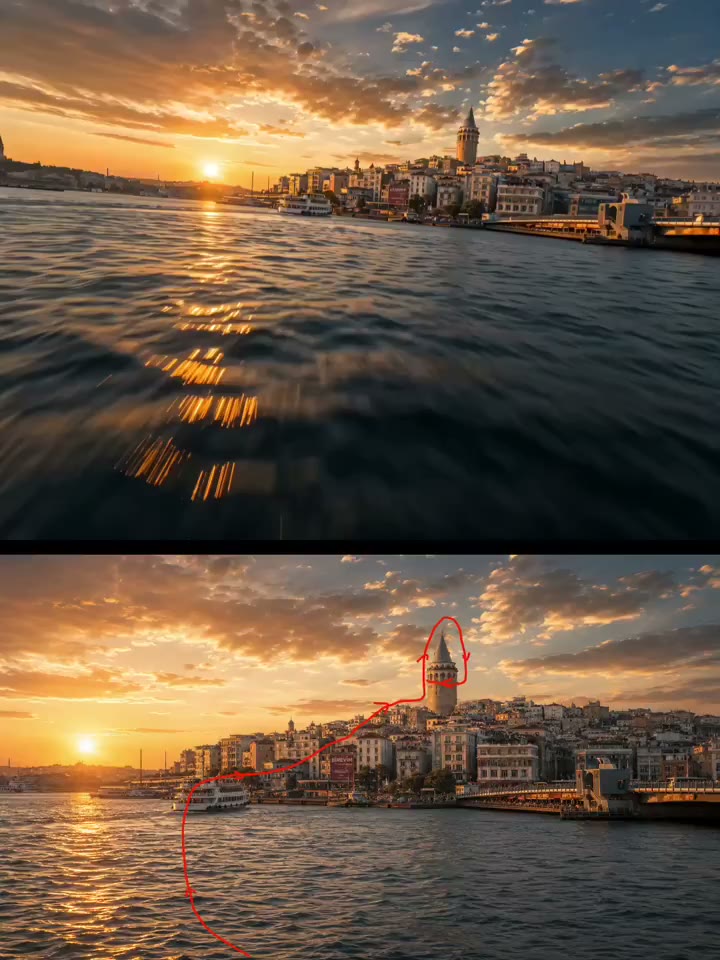
Turn Any Input Into Video
Bring images, video clips, audio references, and text prompts into one Seedance 2.0 Mini AI workflow and move from idea to motion fast.
- Text-to-video, image-to-video, and reference inputs
- Audio references to guide pacing and mood
- One workflow for daily, high-frequency output
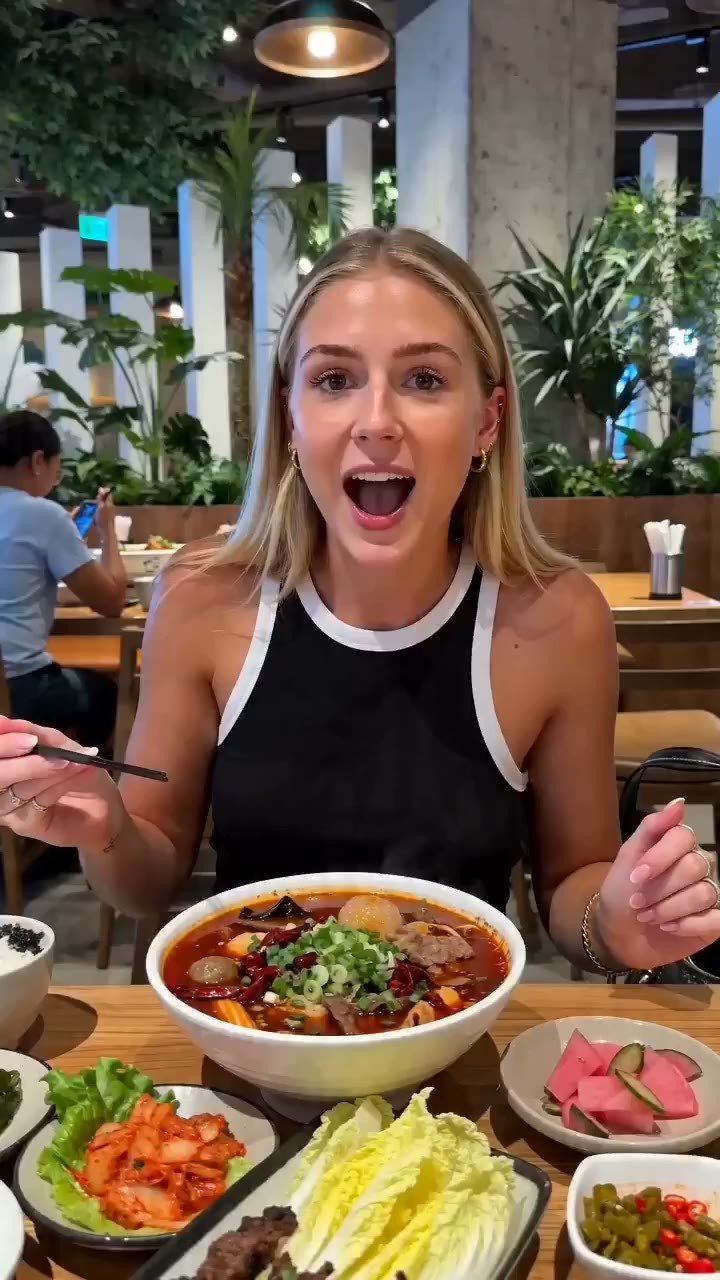
Built for High-Frequency Creation
When you publish often, the Seedance 2 Mini model makes frequent generation practical and affordable — clean, usable motion for real production.
- Everyday video quality for social, shop, and drafts
- Affordable enough for daily posting cadences
- Fast iteration from prompt to download
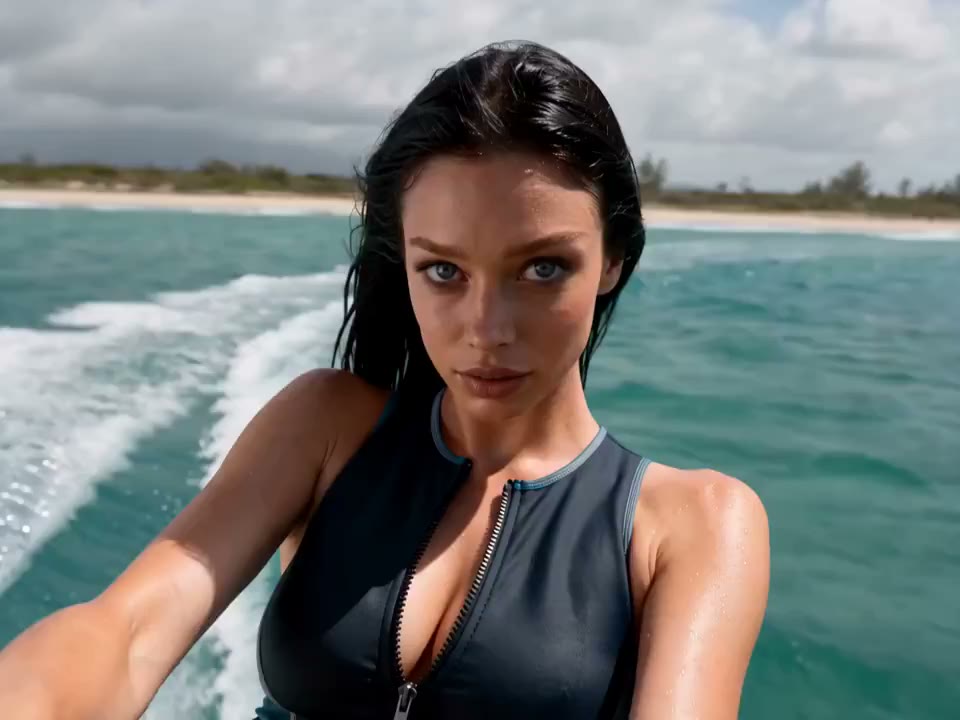
What People Use Seedance 2.0 Mini For
Seedance 2.0 Mini is useful whenever you want to turn ordinary ideas, moments, and products into video — fast and affordably.
Social Creators
Spin up Reels, Shorts, and TikTok clips fast enough to keep a daily posting cadence.
Small Business & Shops
Make product and promo videos in volume without a studio budget.
Entertainment Creators
Quick meme edits, reaction clips, and entertainment shorts on demand.
Educators & Trainers
Turn lessons and how-tos into short explainer videos with minimal setup.
Marketers & Agencies
Test ad concepts and variations cheaply before committing to a final cut.
Lifestyle Makers
Travel, food, and daily-life clips that turn ordinary moments into motion.
How to Create Videos with Seedance 2.0 Mini in 3 Steps
From a prompt or reference to a ready-to-test video in three quick steps.
Add your input
Write a text prompt, or bring an image, video clip, or audio reference into the Seedance 2.0 Mini video generator.
Set your shot
Choose aspect ratio, duration, and style so the Seedance 2 Mini model matches the platform you publish to.
Generate and ship
Render a ready-to-test video in seconds, review it, and download or iterate — fast enough for daily output.
Seedance 2.0 Mini vs Seedance 2.0 vs Fast
Pick the Seedance 2 model that fits the job — Mini for everyday volume, 2.0 for top quality, Fast for speed.
| Feature | Seedance 2.0 Mini | Seedance 2.0 | Seedance 2.0 Fast |
|---|---|---|---|
| Best for | Everyday, high-frequency video | Top-quality hero shots | Speed-first quick drafts |
| Generation cost | Lowest | Standard | Lower |
| Output speed | Fast | Standard | Fastest |
| Visual quality | Everyday production | Highest | Good |
| Image, video, audio & text input | |||
| Style range | Every style | Every style | Every style |
Seedance 2.0 Mini FAQ
What is Seedance 2.0 Mini?
Seedance 2.0 Mini is a faster, lower-cost model in the Seedance 2 family. It turns images, video clips, audio references, and text prompts into ready-to-test videos, and is designed for everyday, high-frequency production.
What can I create with Seedance 2.0 Mini?
Social media videos, daily-life clips, entertainment shorts, product and shop videos, travel and food clips, and learning or how-to videos — anywhere you want quick, affordable motion.
Which inputs does the Seedance 2.0 Mini video generator support?
You can start from a text prompt, an image, a video clip, or an audio reference. The Seedance 2.0 Mini AI model combines these into a single video workflow.
How is Seedance 2.0 Mini different from Seedance 2.0?
Seedance 2.0 Mini is an upgraded, lower-cost option built around lower generation cost and faster output. Seedance 2.0 stays the choice for the highest-quality hero shots.
Is Seedance 2.0 Mini meant to replace higher-quality models?
No. It complements them. Use Seedance 2.0 Mini for high-volume everyday clips, and step up to Seedance 2.0 or the upcoming Seedance 2.1 when a project needs maximum quality.
How do I start using the Seedance 2.0 Mini model?
Open the video generator, add your prompt or reference, choose your aspect ratio and duration, then generate. You can ship a ready-to-test video in seconds.
More from Seedance 2.1 AI
Start creating with Seedance 2.0 Mini
Turn your next idea into a ready-to-test video — faster and at lower cost.